Introduction:
It started with an everyday annoyance. I didn’t want to carry a bulky laptop around and was looking for a way to write code from my phone.
I tried Linux emulation on Android, installed code-server. Working in a browser was possible, but it wasn’t the full cycle: without plugins and half of what a real editor can do, it never got further than editing a couple of files.
Meanwhile development itself was changing — more and more of the work was moving into generation under my control. And then I got a server of my own. That settled the question for good: how do I work from any device without installing anything on it.
How it went:
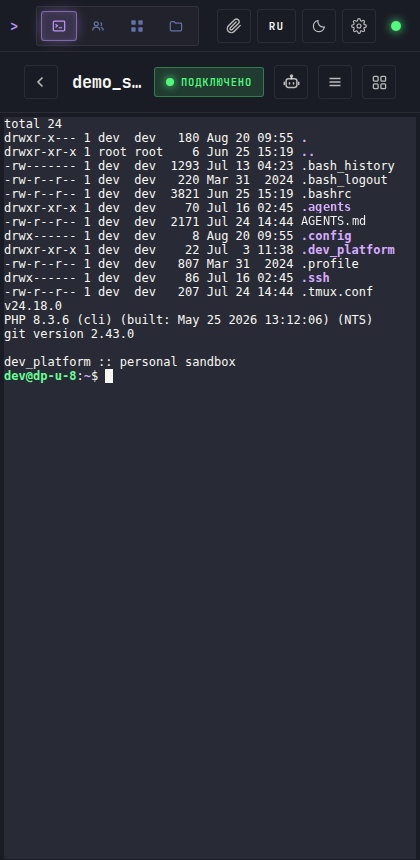
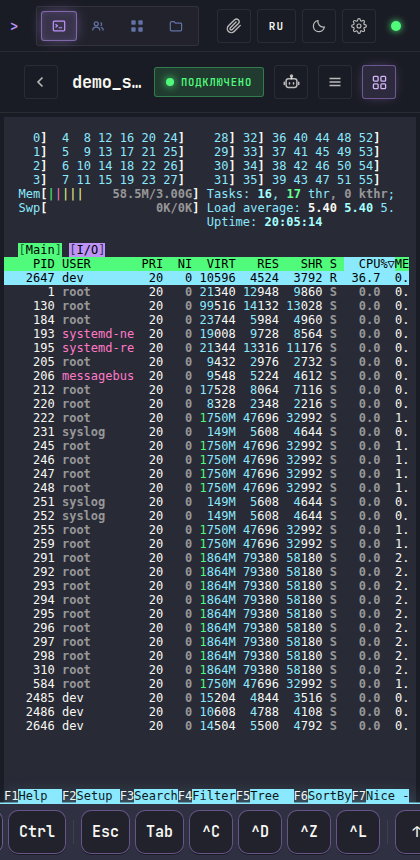
The first version was a terminal in the browser. I put it together on off-the-shelf libraries first, then moved to my own implementation: other people’s solutions hit a ceiling exactly where things got interesting. In May 2026 I rewrote everything on Laravel and Vue — that version ran for a week alongside the old one, on the same server, so I could compare and roll back.
Then a team environment was needed. The tool I was building for myself turned out to be useful to more people than me. From that point on the terminal stopped being the product and became one part of the platform.
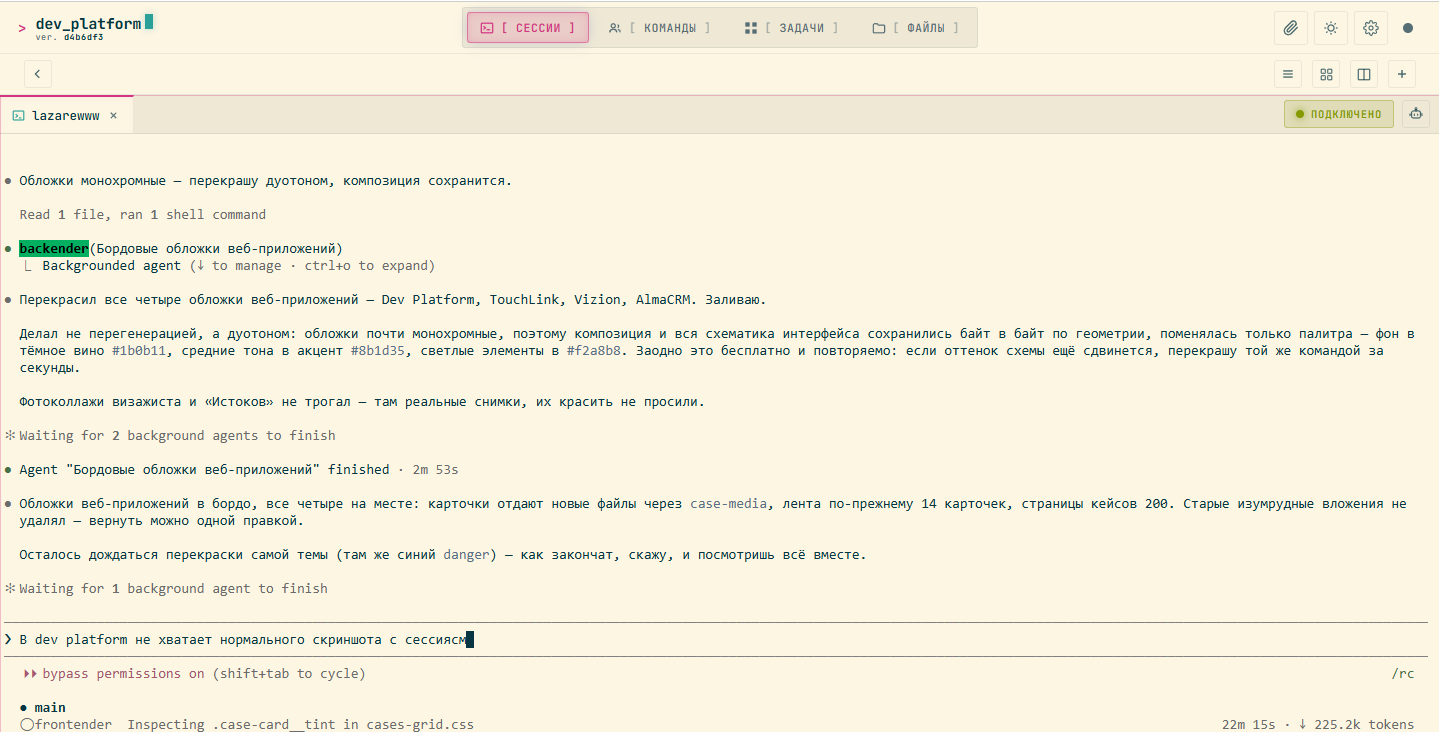
The terminal isn’t the point in itself. All the work goes through CLI agents: we treat it as a discipline to set up a proper agent system for every project — with roles, a review procedure and a canon of its own. A system like that lives in the command line, which means there are a lot of terminals, they run long, and they have to be kept somewhere. Hence the sessions, the splits and everything else around them.
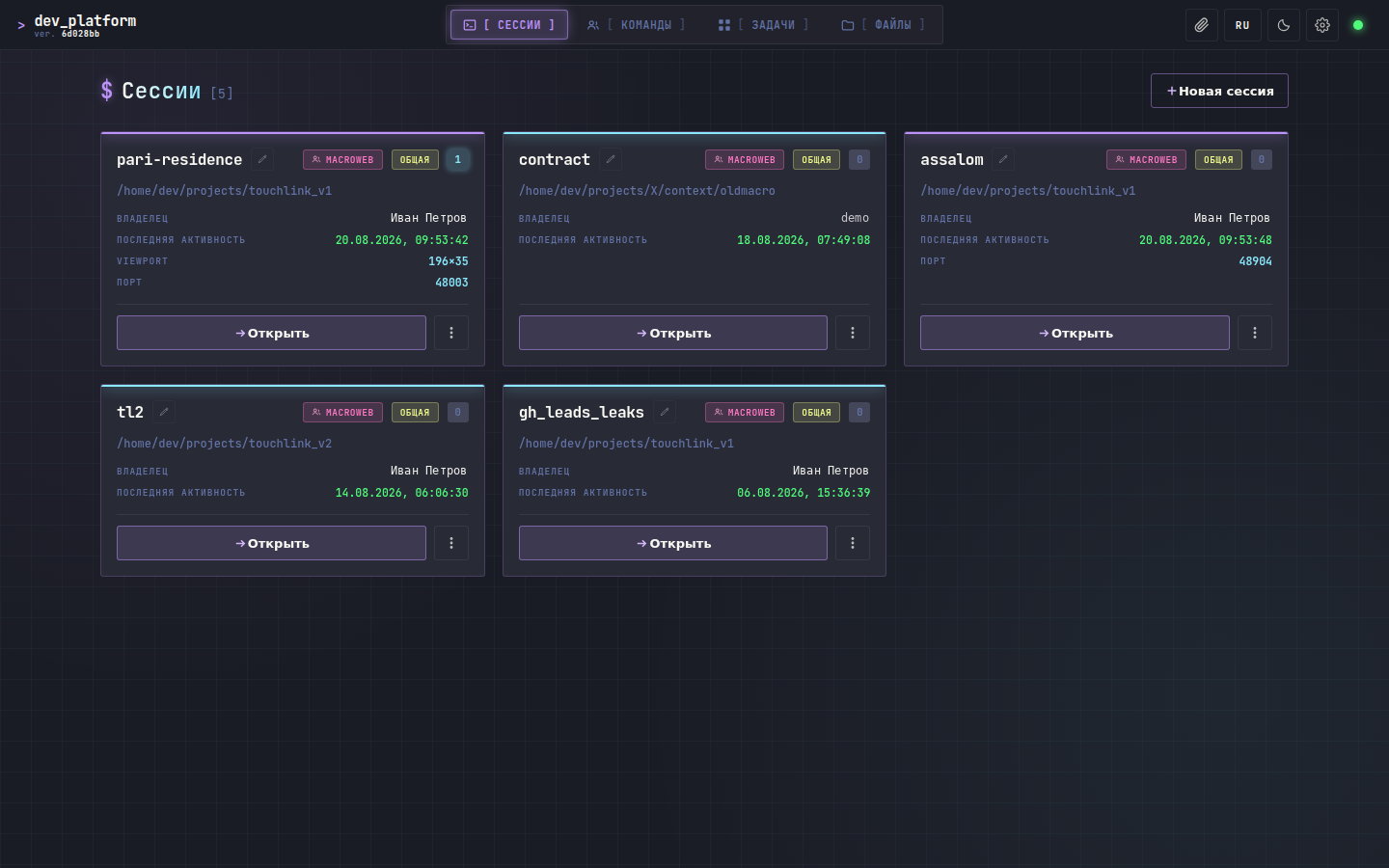
Sessions instead of a terminal. A work session lives in its own container at the operating-system level: its own file system, its own processes, its own memory and disk limits. Not a project folder but a machine in its own right. A neighbour can’t reach into it, even if they want to.
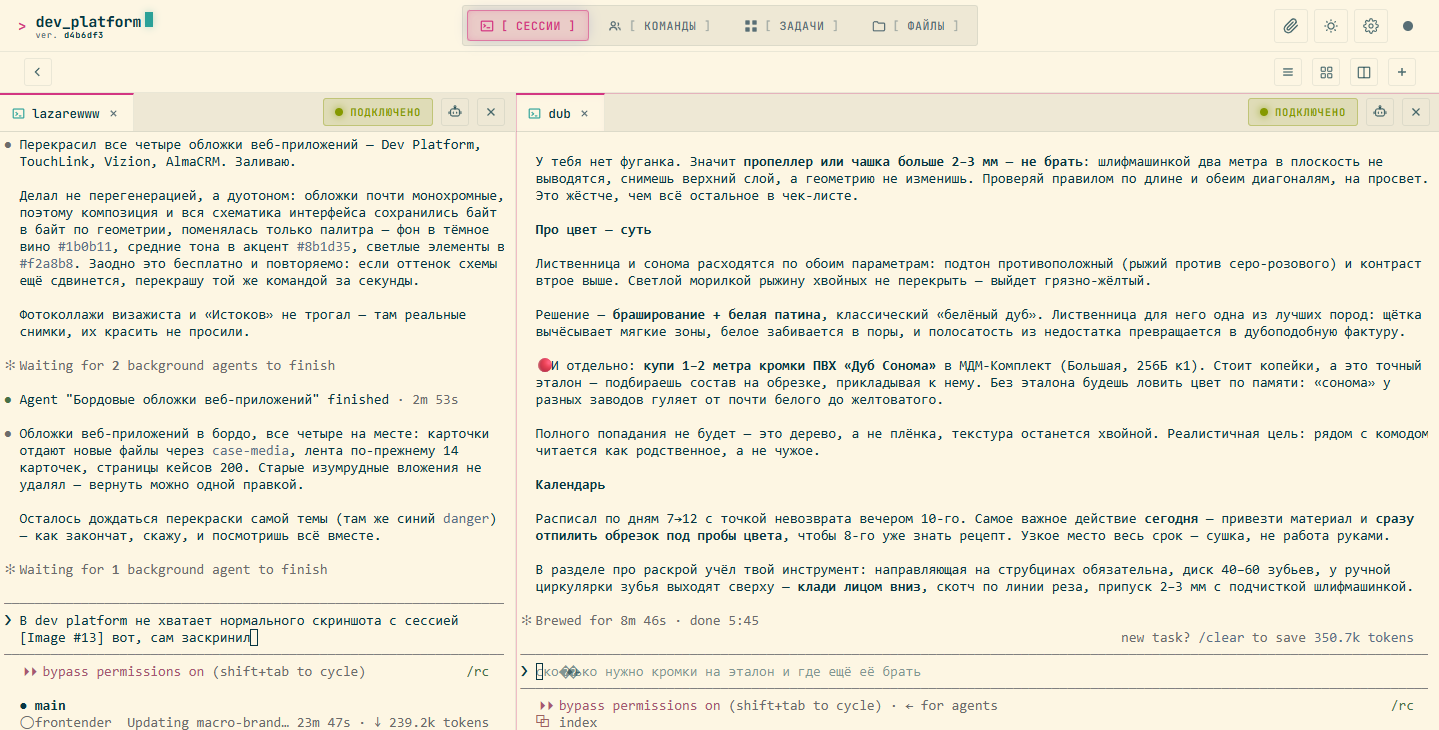
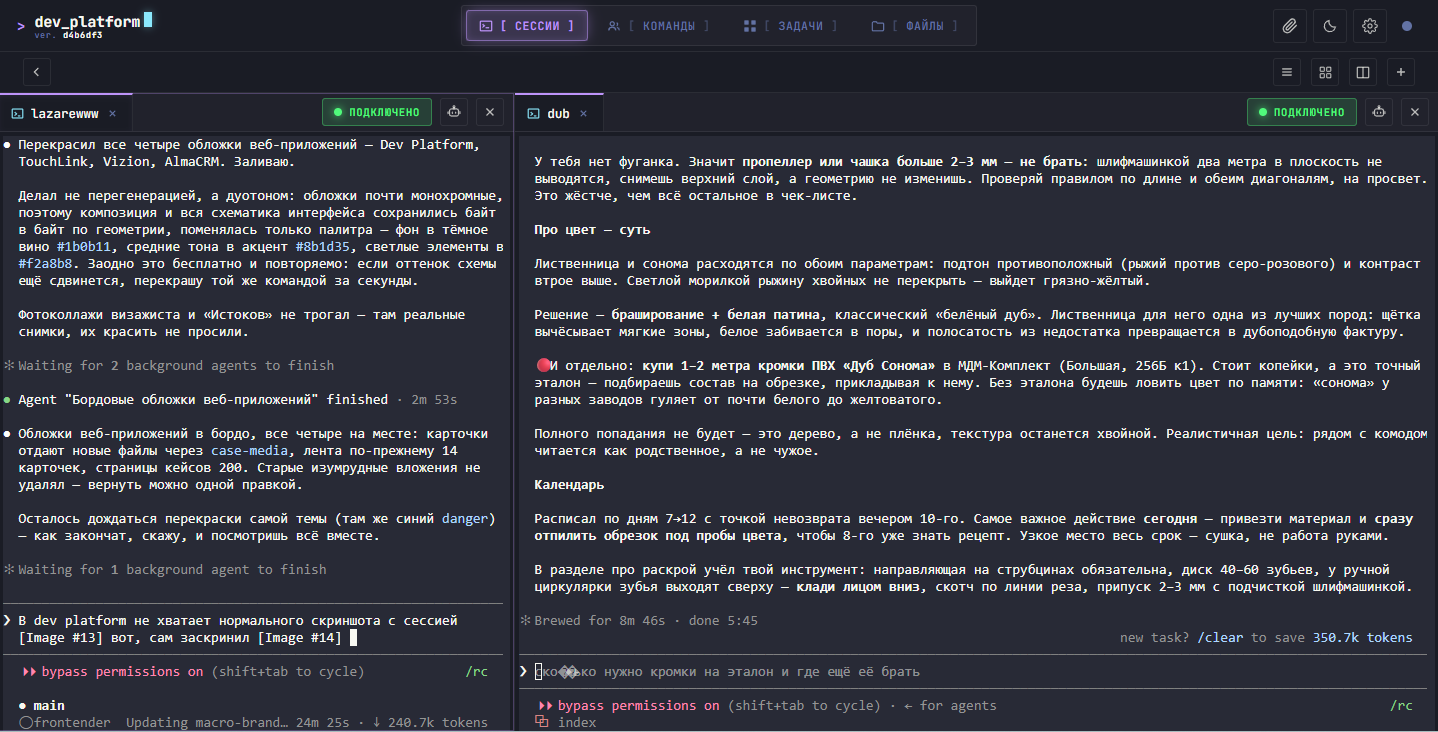
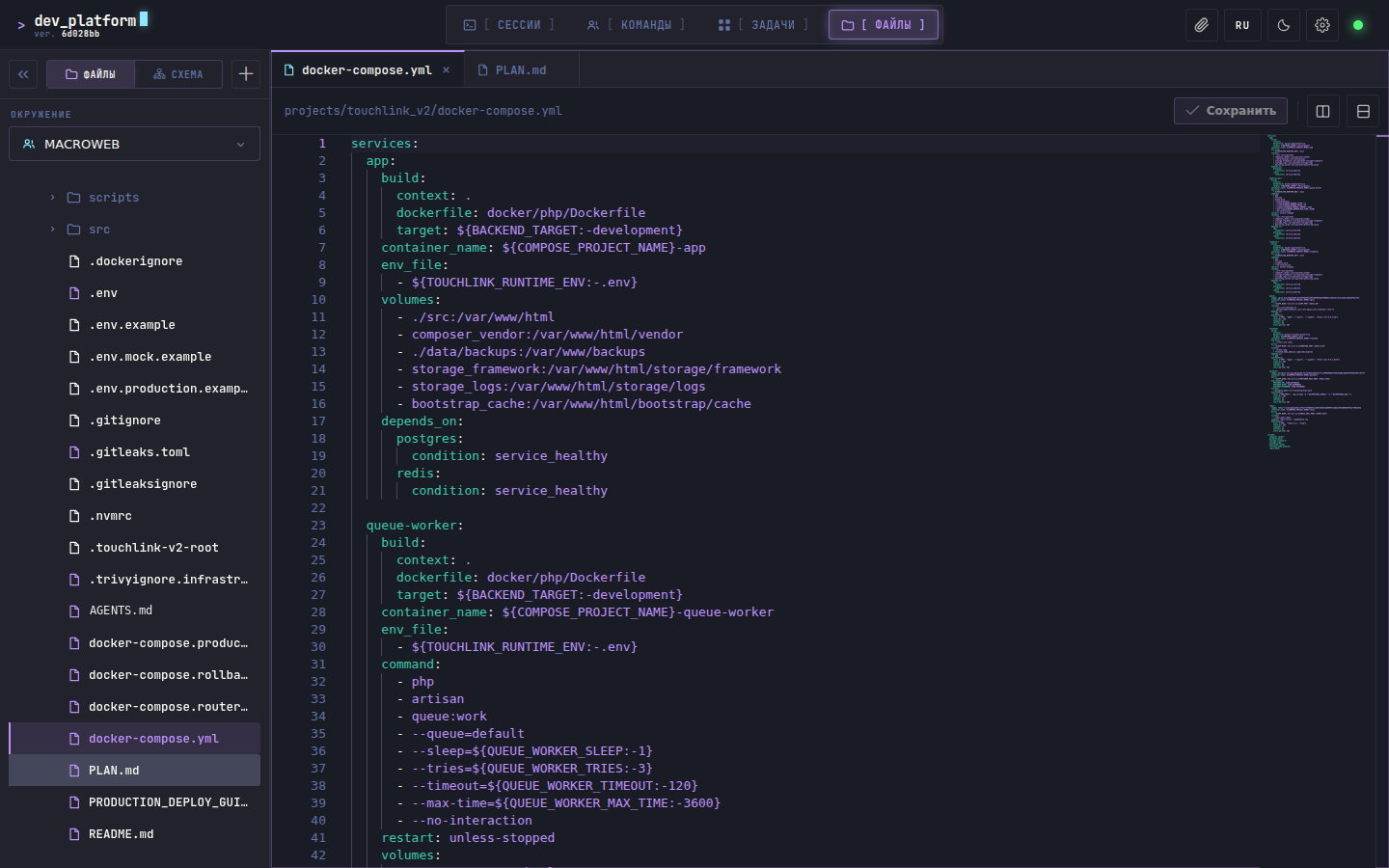
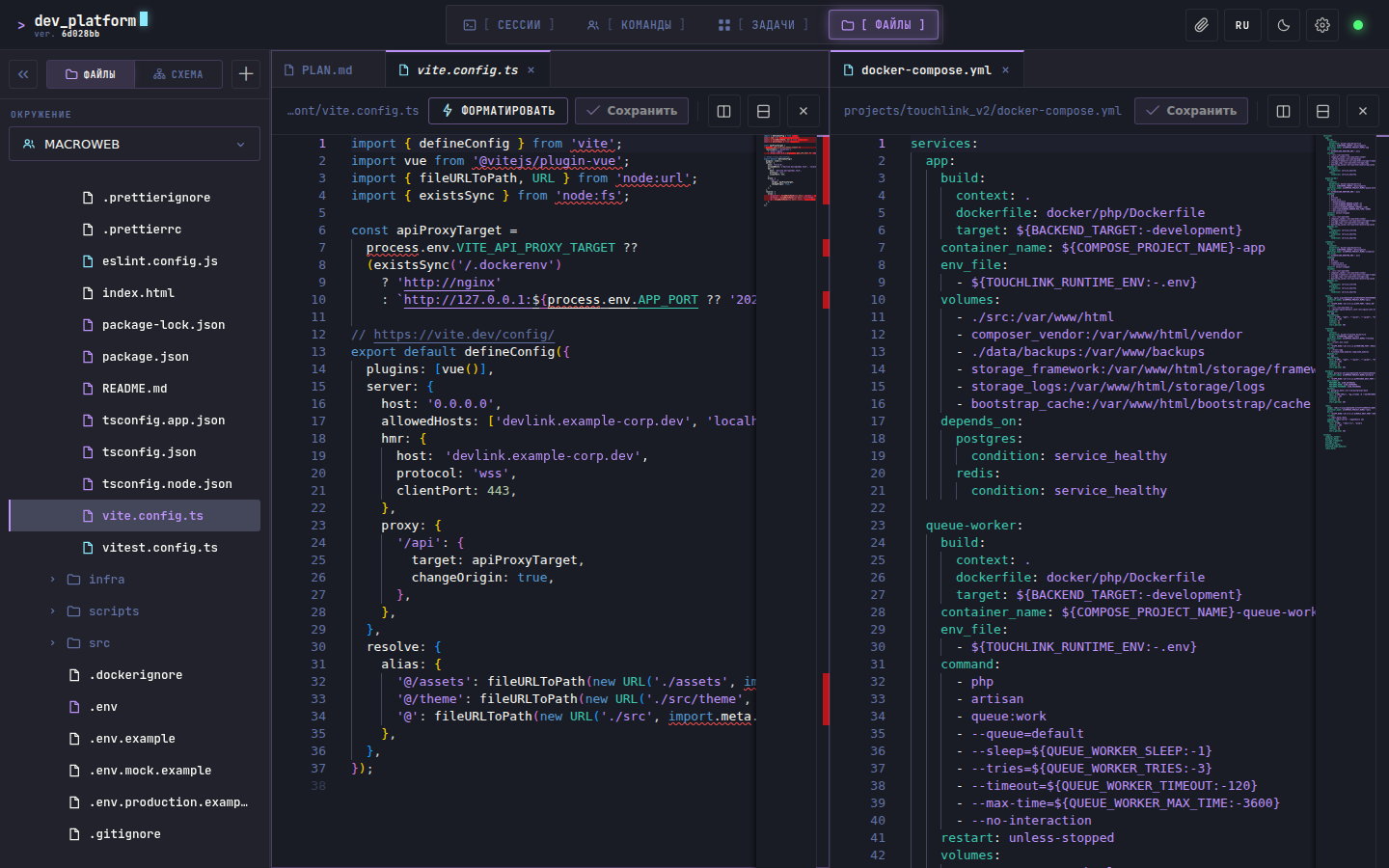
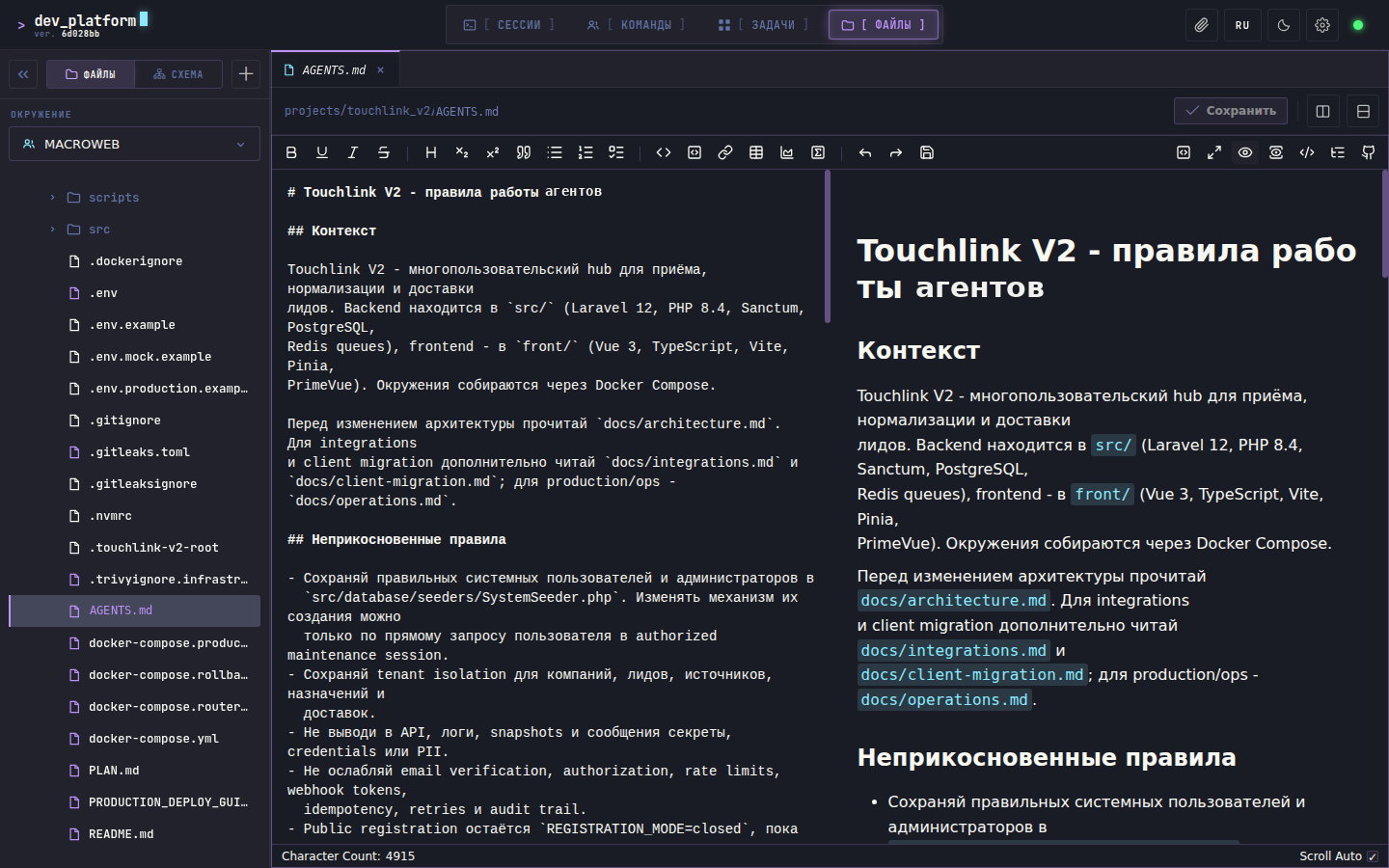
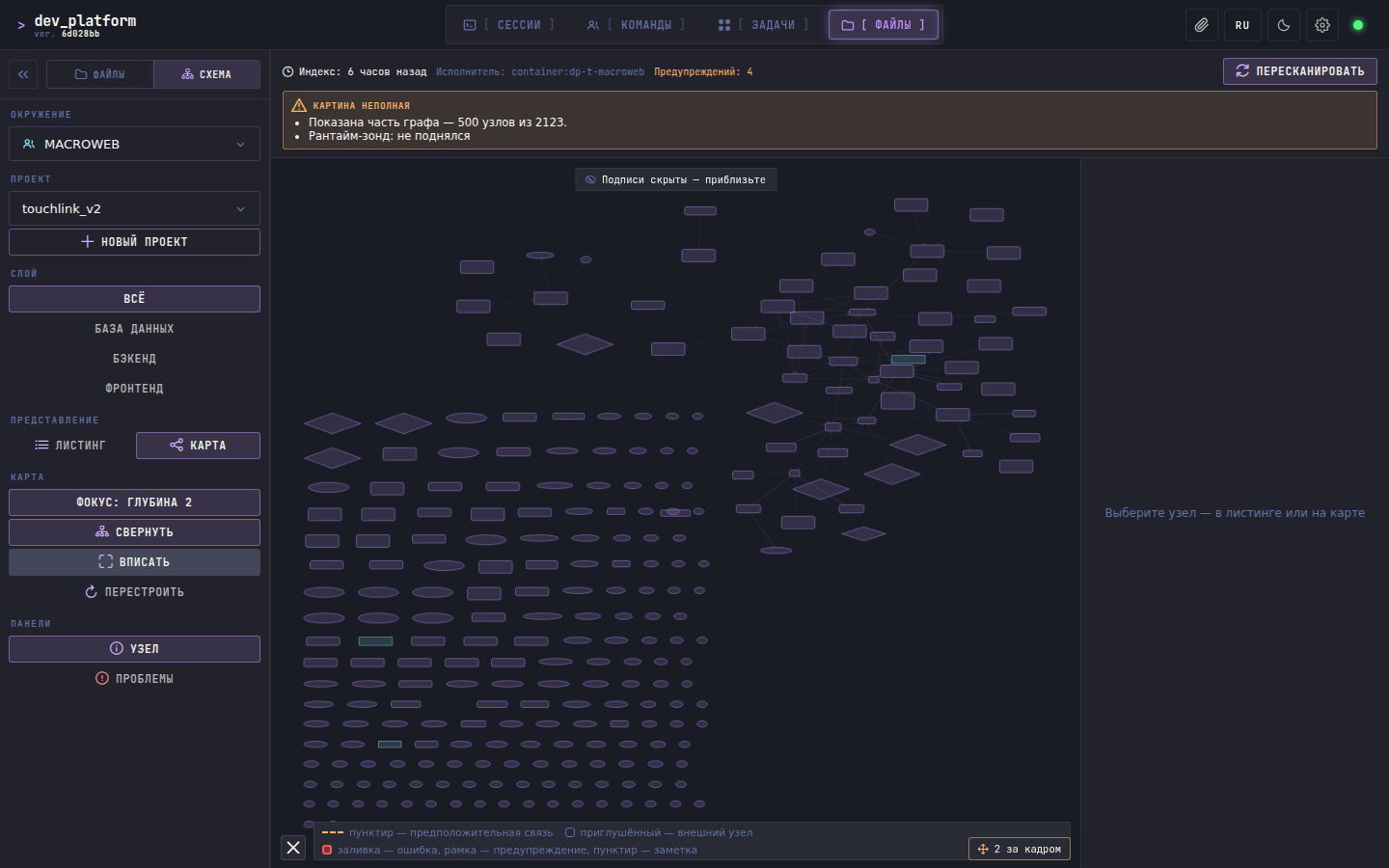
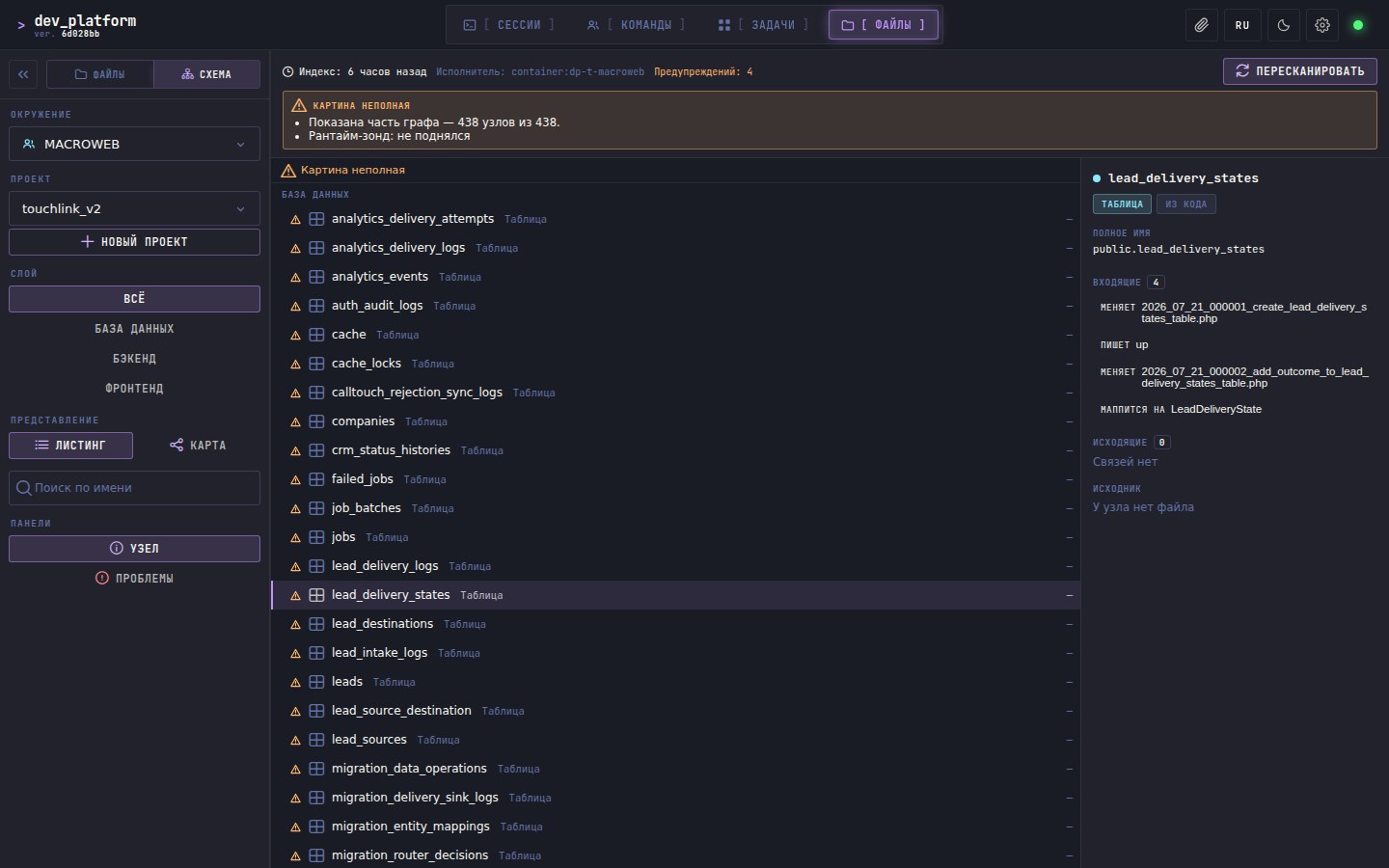
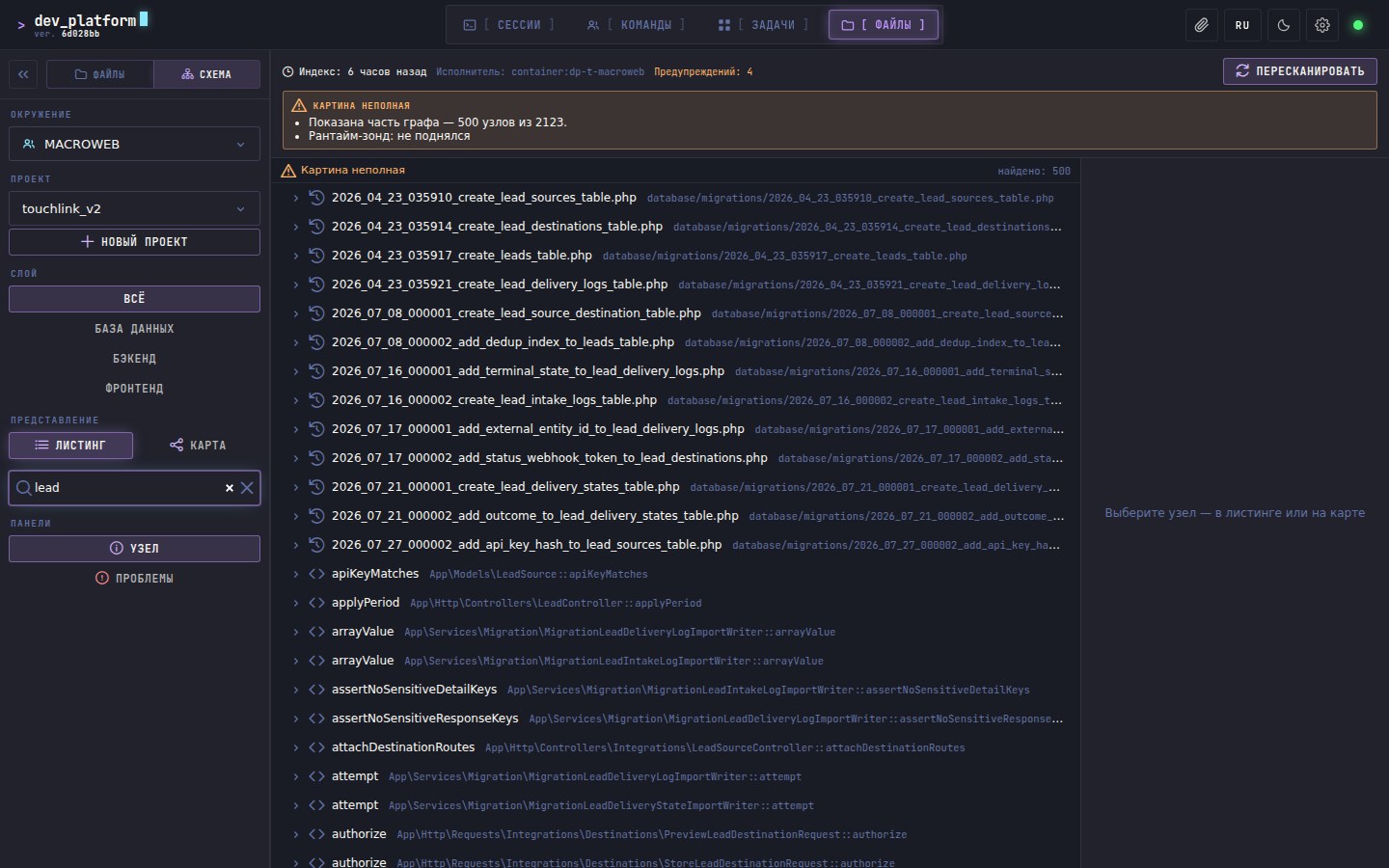
Working with files. Project tree, editor, search. Together with the sessions, that is what closed the original task — files and terminal together now replace an editor with plugins, and cover more ground than it did. The project didn’t grow into that at once.
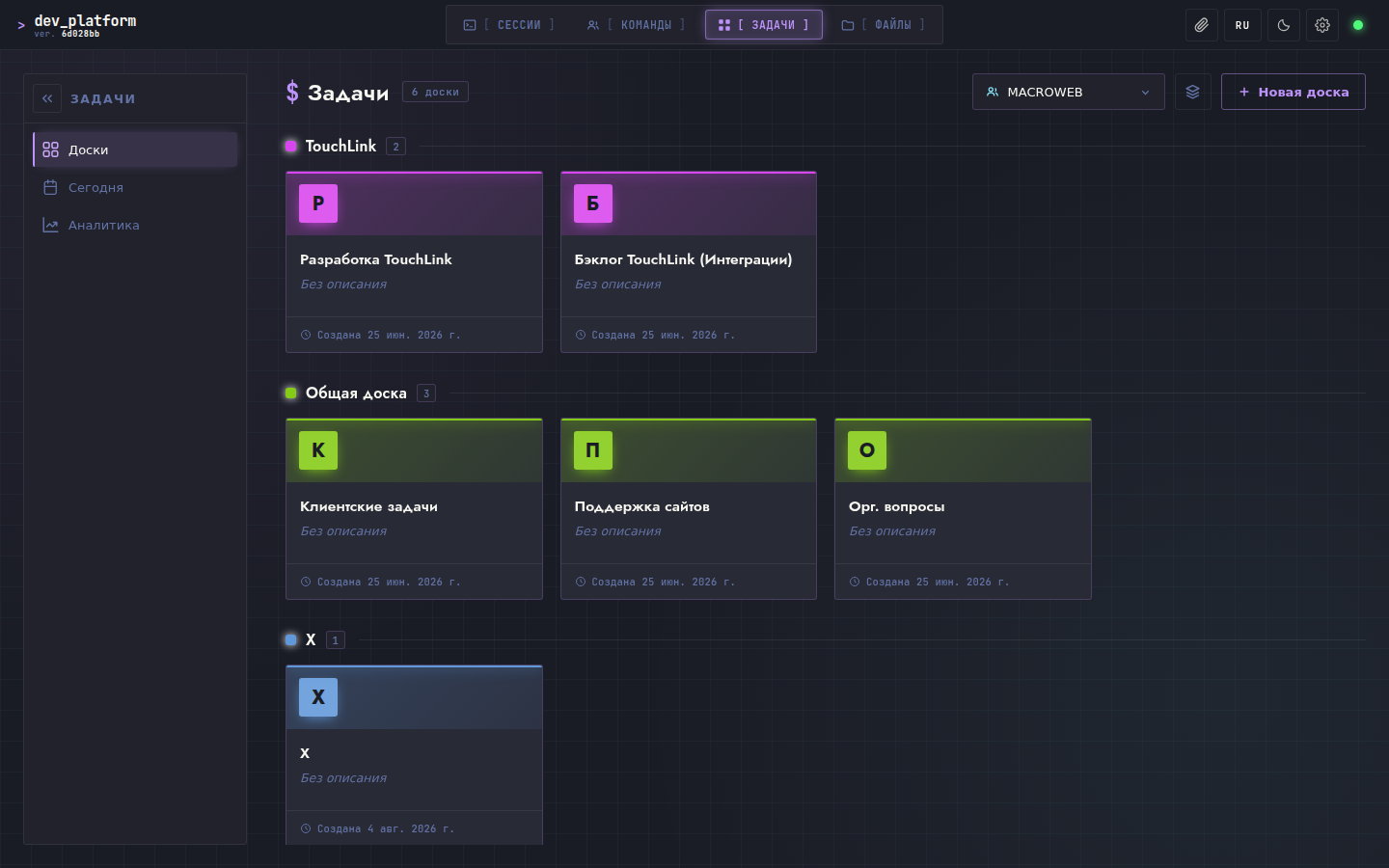
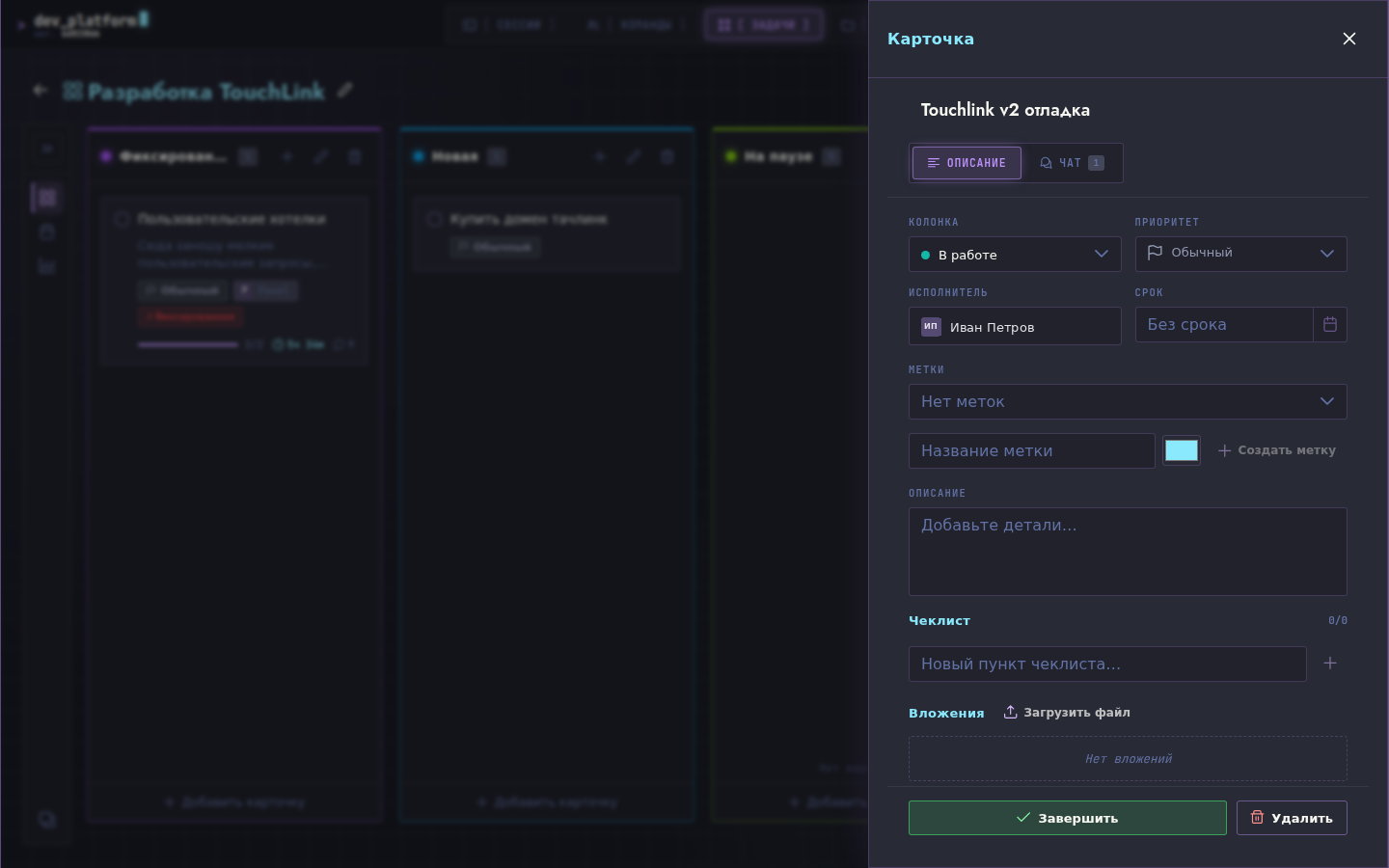
A kanban for development. Task boards with time tracking, team sections, access control. The things without which two or more people can’t use a tool every day.
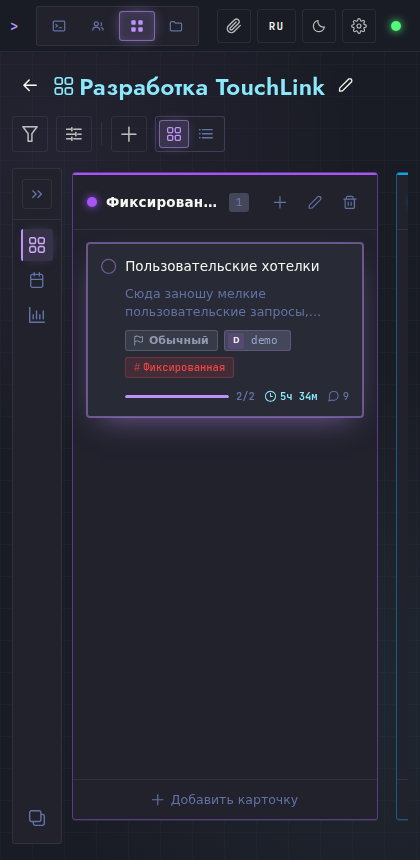
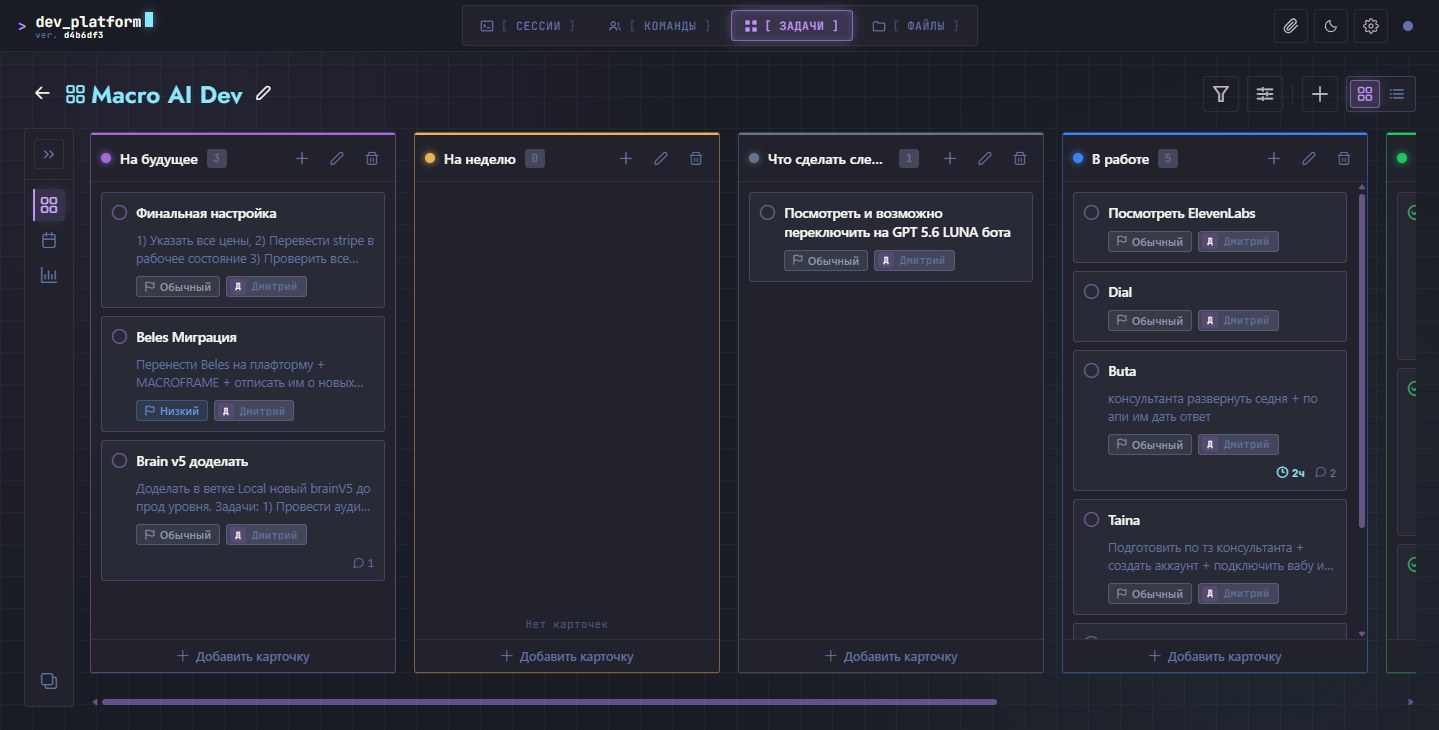
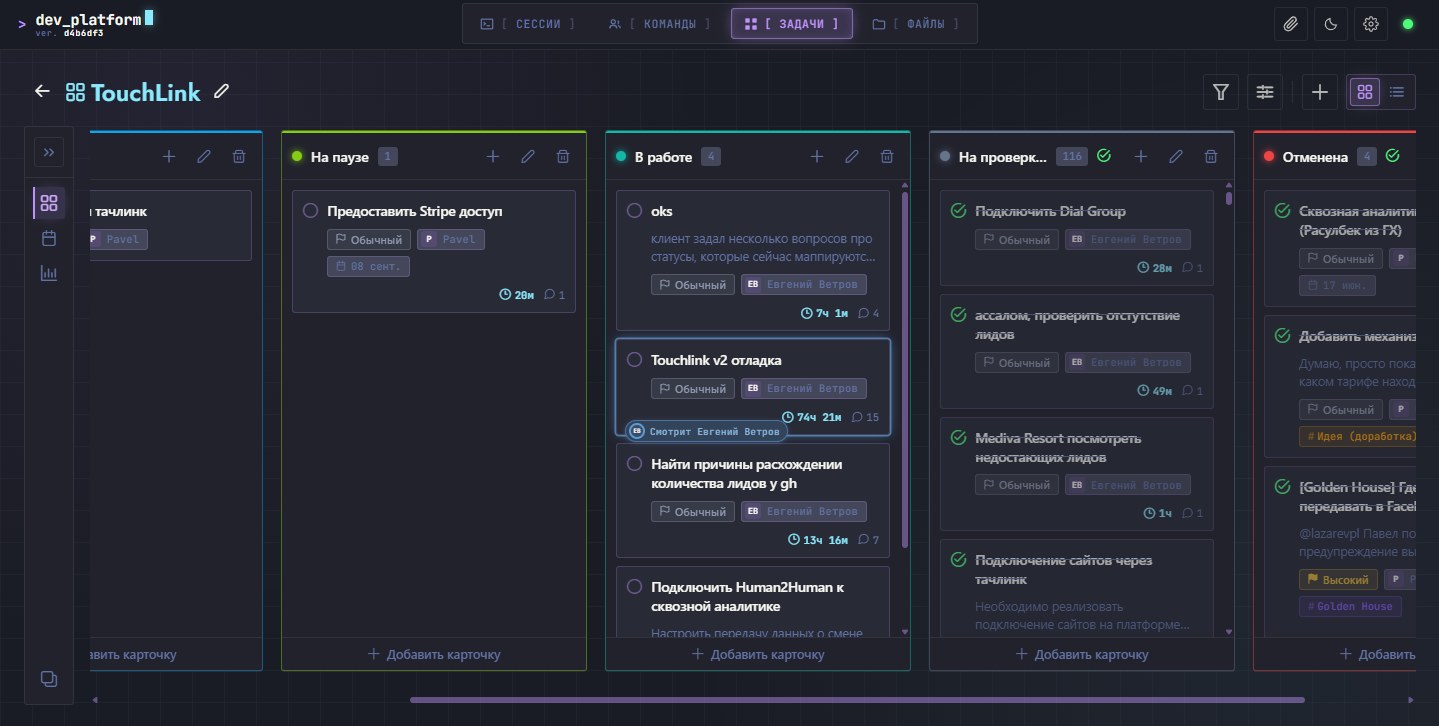
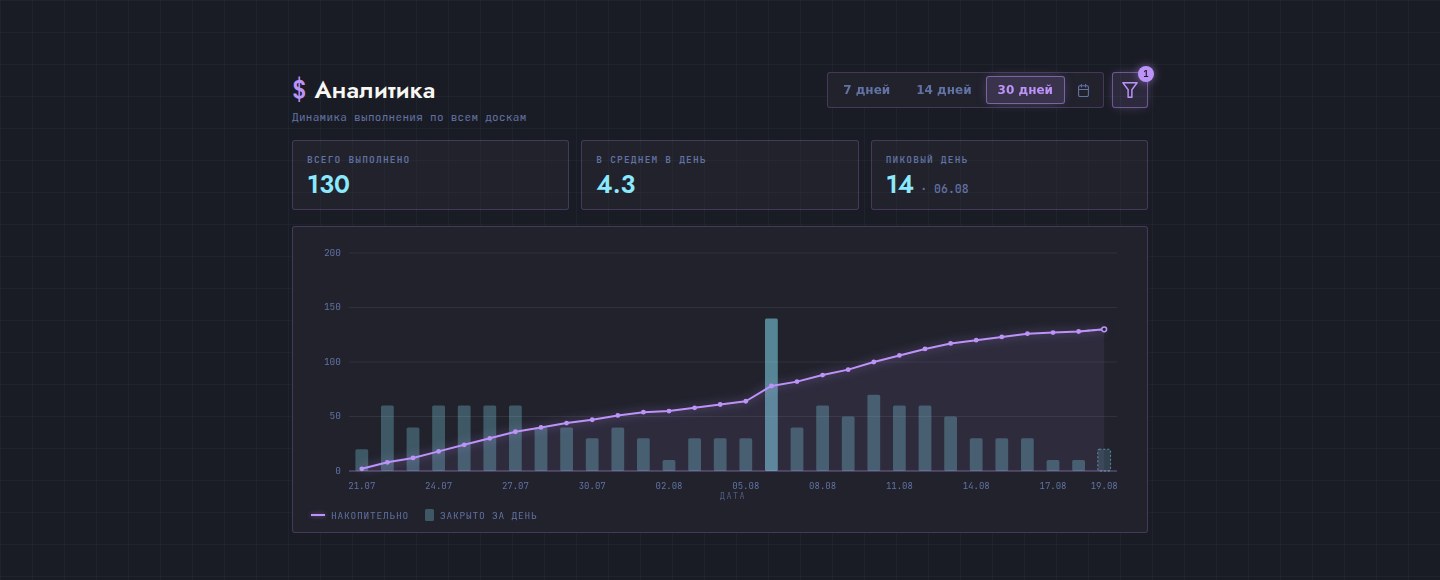
Automation. Since August a bot has been picking up tasks from the kanban: it takes a card from the right column, spins up a session, drops the brief into it and drives it to a result. The verdict on readiness is a separate step — “done” doesn’t happen by itself. A snapshot of the state is attached to the card, and a notification goes out to the messenger.
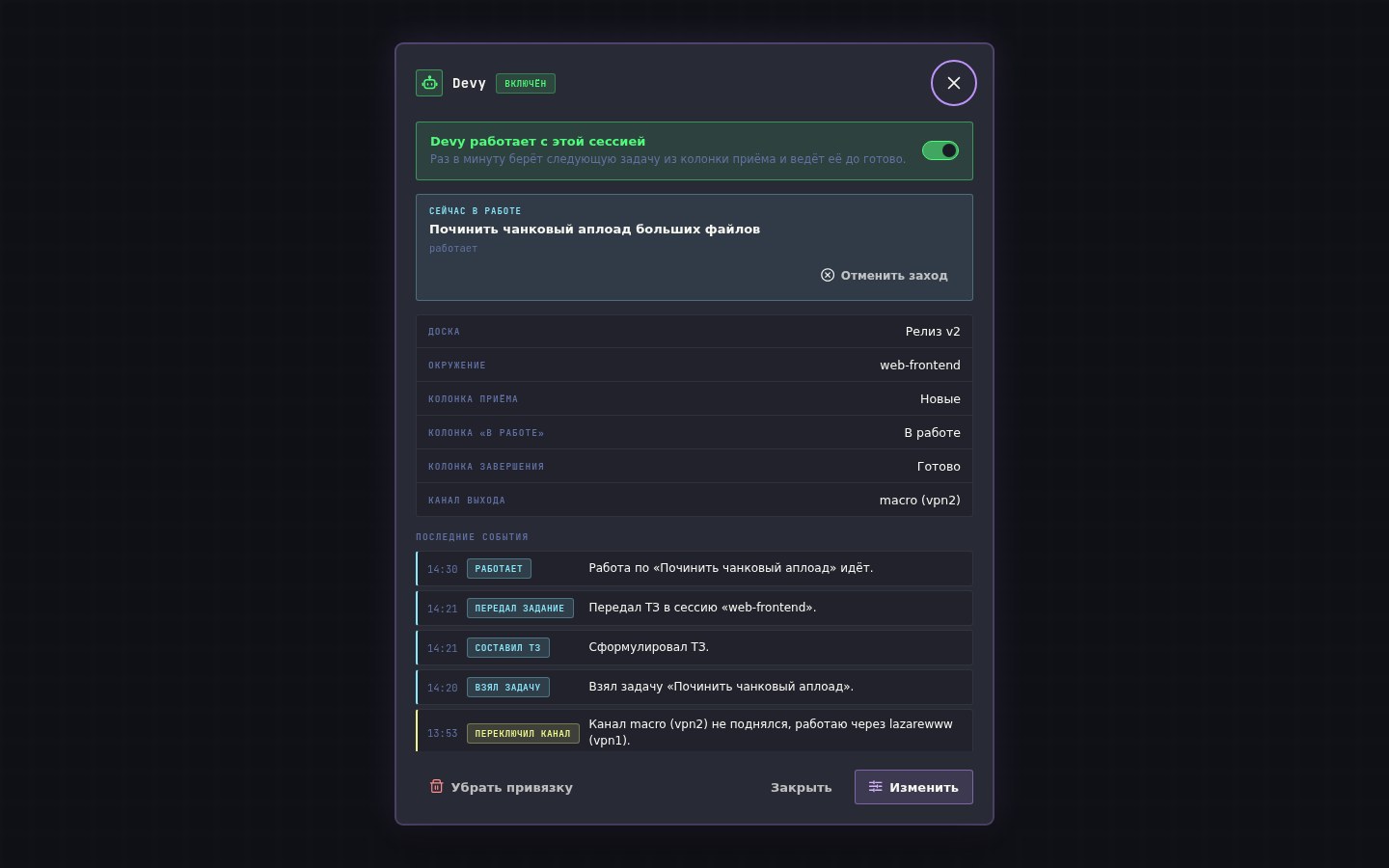
A word on verification, separately, because in work like this it is the main thing. The trouble with generation isn’t broken code — broken code shows itself straight away. The trouble is a plausible result with an invented justification. So verification here isn’t the goodwill of whoever did the work, it’s a mandatory stage.
Once I had to restore all of it. In June the server disk died. The platform came back from backups in twenty-four hours.
Result:
The platform has been in use since June 2026. There are six teams on it now — development, product and adjacent departments. Each has an environment of its own, plus personal ones that are started and shut down as needed.
Inside: sessions in isolated environments, files, an editor, task boards, automation, backups, quotas. From the outside — a single link in a browser. A phone will do.
The original task it all started with was solved along the way: you can work from any device.
My role:
The project is entirely mine — the idea, the architecture, the code. I wrote every version, from the first terminal to the platform as it is now.
Stack:
Laravel · PHP 8.3 · PostgreSQL 18 · Redis · Vue 3 · TypeScript · Incus · WebSocket